Why You Should Use Two-Factor Authentication for Your CXM Direct Member Area
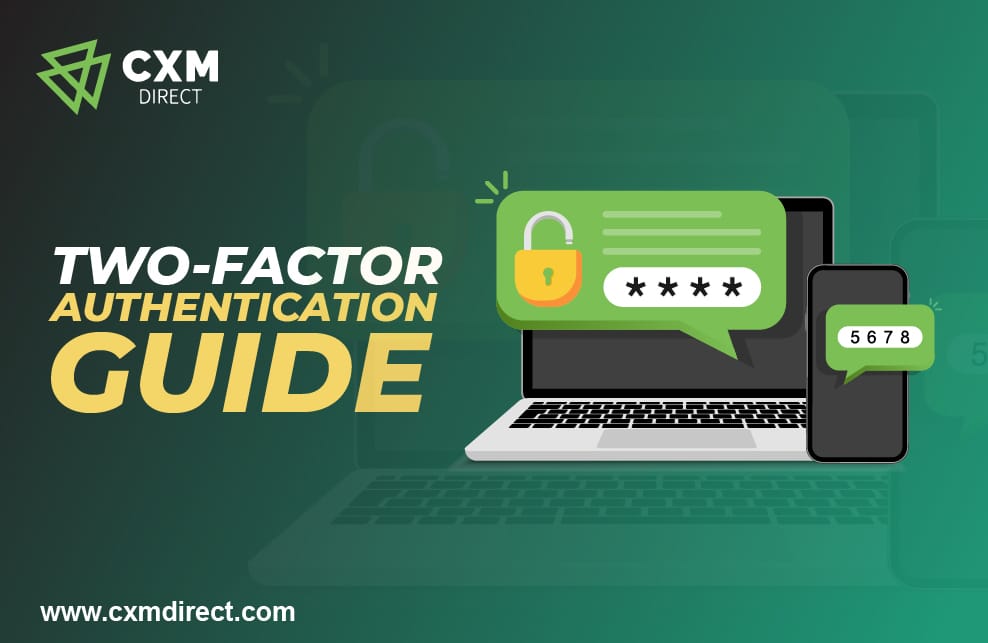
Security is paramount when it comes to managing your financial accounts online. That's why CXM Direct always strives to implement the latest security measures to protect your assets. One of the most effective ways to secure your account is through Two-Factor Authentication (2FA). In this blog post, we'll explain what 2FA is, why it's crucial for your financial security, and how to set it up.
What is Two-Factor Authentication (2FA)?
Two-factor authentication (2FA) adds a layer of security to your CXM Member area. It requires your password and a one-time verification code, or OTP (One-Time Password), to log in. This OTP is generated on your device via the Google Authenticator app, which you will link to your CXM Member area.
Note: This feature is not yet compatible with MT4 and MT5 platforms. You can continue to access your trading terminals using your CXM MT4 account ID and password.
The 2FA feature significantly reduces the risk of unauthorized access to your CXM Member area.
How to Download Google Authenticator:

FOR ANDROID USERS
1.Open the Google Play Store app.
2. Search for "Google Authenticator."
3. Tap on the app and then tap "Install."
4. Once installed, you can activate your code.

FOR APPLE USERS
1.Open the App Store.
2. Search for "Google Authenticator."
3. Tap on the app, then tap "FREE" to install it.
4. Enter your Apple ID or use Touch ID to initiate the download.
5. Once installed, you can activate your code.
Steps on how to Activate Two-Factor Authentication in your Member Area:
1.Log in to your CXM Direct Member area here.

2. Click the Profile option, then select “Two-factor authentication.”
3. Click "Enable two-factor authentication via Google Authenticator."

4. Open your Google Authenticator app and scan the barcode displayed in your Member area. If you can’t scan it, copy and paste the code into the app.

5. Enter the code displayed on your Google Authenticator app and select “Enable.”

6. Your Member area will now have 2FA enabled.

Note: If you lose your phone or can’t get codes via Google Authenticator, use backup codes to sign in. You can generate new backup codes in the 2FA settings.

7.Log back into your CXM Direct member area.

8.You will be prompted to enter a 6-digit 2FA code to complete the login process. Retrieve this code from your Google Authenticator app on your device (Android/Apple), input it, and then click "Continue."

Note: If you select the "Trust this computer" option, you won't be required to enter the 2FA code for subsequent logins, unless you remove the device from your trusted list. To do this, navigate to Profile → Two-factor authentication → "Clear Trusted Device" button. After clearing the device, you will need to enter the 2FA code for future logins.

9. Once authenticated, you will gain access to your CXM Direct Member area and can proceed with your usual account activities.
Conclusion
Two-factor authentication is an indispensable tool for securing your financial accounts. It’s simple to set up and provides an additional layer of security that can protect you from unauthorized access. We recommend enabling 2FA on your CXM Direct Member area to safeguard your assets.
If you have any questions or require further assistance, please contact our support team at [email protected].
Thank you for being a valued CXM Direct client!